Settings is divided into four tabs: General, Billing, Connectors and Memory. This article deals with General, home of the master privacy switch.
General
Where: Settings › General
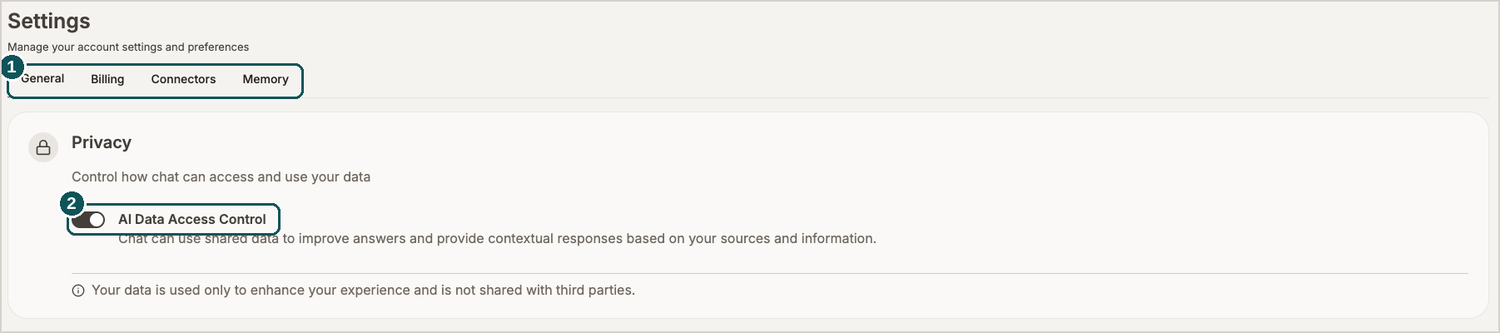
- Tabs. General, Billing, Connectors, Memory.
- AI Data Access Control. The master switch governing whether Chat may read your stored data.
What AI Data Access Control does
Switch it off and your files stay precisely where they were. All that changes is that the AI can no longer open them while answering you.
The two ideas underneath are worth separating:
- Private Data Storage is the encrypted store holding your files. What you put there remains until you take it out.
- AI data access is the permission letting the AI open those files as it answers. Withdrawing it deletes nothing.
This tab also displays your app version and the account you're signed in under. Both are handy to have when you're raising something with support.